Kairo OS
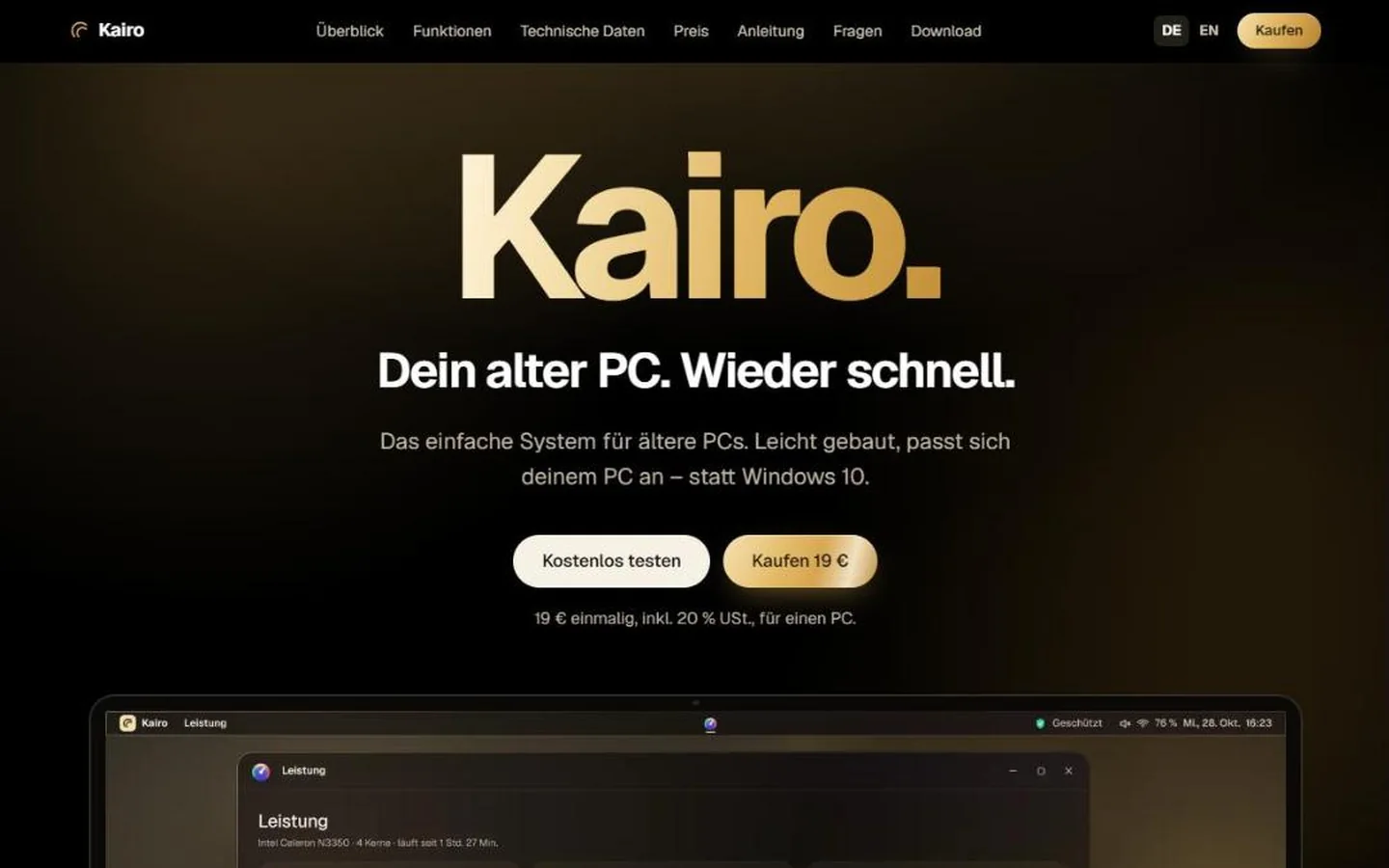
Kairo is a lightweight operating system for older PCs: try it for free from a USB stick, install it and keep it for a one-off €19 – instead of Windows 10 without security updates or a new PC.
- kairo-os.at
- 2026
The challenge
Since October 2025, Windows 10 no longer receives regular security updates, and Windows 11 requires newer hardware than many older PCs have. People on a tight budget face a choice: keep working insecurely or buy a new computer. Common Linux systems would be an alternative, but feel technical and unfamiliar to many.
The solution
At start-up Kairo measures the PC and picks one of four tiers – from Feder with no effects at all for very weak machines to Aura in black and gold for stronger ones; if anything stutters, it steps down by itself. A round Kairo button opens programs, search and settings, and programs run in real windows. Programs for the web, email, letters, spreadsheets, files and photos, an app shop for further programs and web apps, games and a guardian that shows which protection is running and backs up your folders are included. Kairo is built on Debian, installs security updates by itself and saves memory through compression. The licence is bought at the AUTOMATA checkout; it is bound to one PC, and new Kairo versions arrive signed and at no extra cost.
The outcome
Kairo is available for download and purchase at kairo-os.at, with a step-by-step guide, an honest list of what does not work yet and 30 trial days after installation. Every version is tested automatically in an emulated PC; tests on real older PCs are under way.
Features
- Runs on many PCs from around 2008 (64-bit)
- Four tiers to match the PC’s performance
- Try it for free from a USB stick
- Programs, games and app shop included
- Guardian that backs up your folders
- One-off €19, no subscription, updates at no extra cost
Technology
- Debian Linux
- Own interface built on web technology
- labwc window manager
- zram (compressed memory)
- App shop via Flathub
- Signed updates (Ed25519)
- Licence and checkout via AUTOMATA
Service: Desktop Software
Planning something similar?
Quick enquiry
A sentence or two is enough. We reply within 24 hours on business days – by email or phone, as you prefer.
Prefer more detail? Use the project configurator or book a free initial call.
Prefer to talk directly?
Thank you – we have your enquiry.
We’ll get back to you within 24 hours on business days.
More work
ADMISSIO
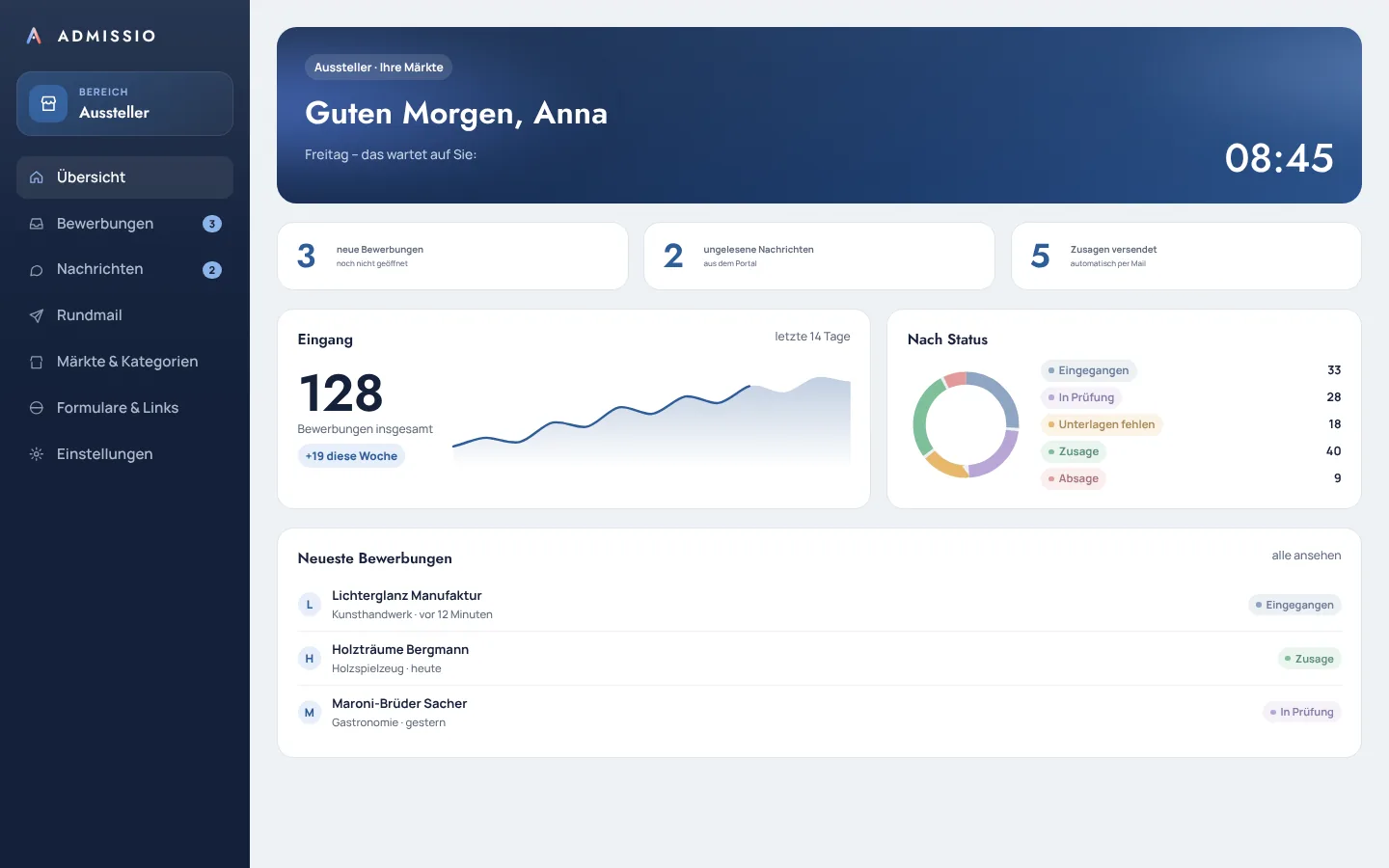
ADMISSIO is an application platform for markets, events and seasonal businesses: exhibitors and staff apply online, and the team reviews, decides and informs with a single click. The software runs on the operator's own web space and is unlocked by licence.
DockProof
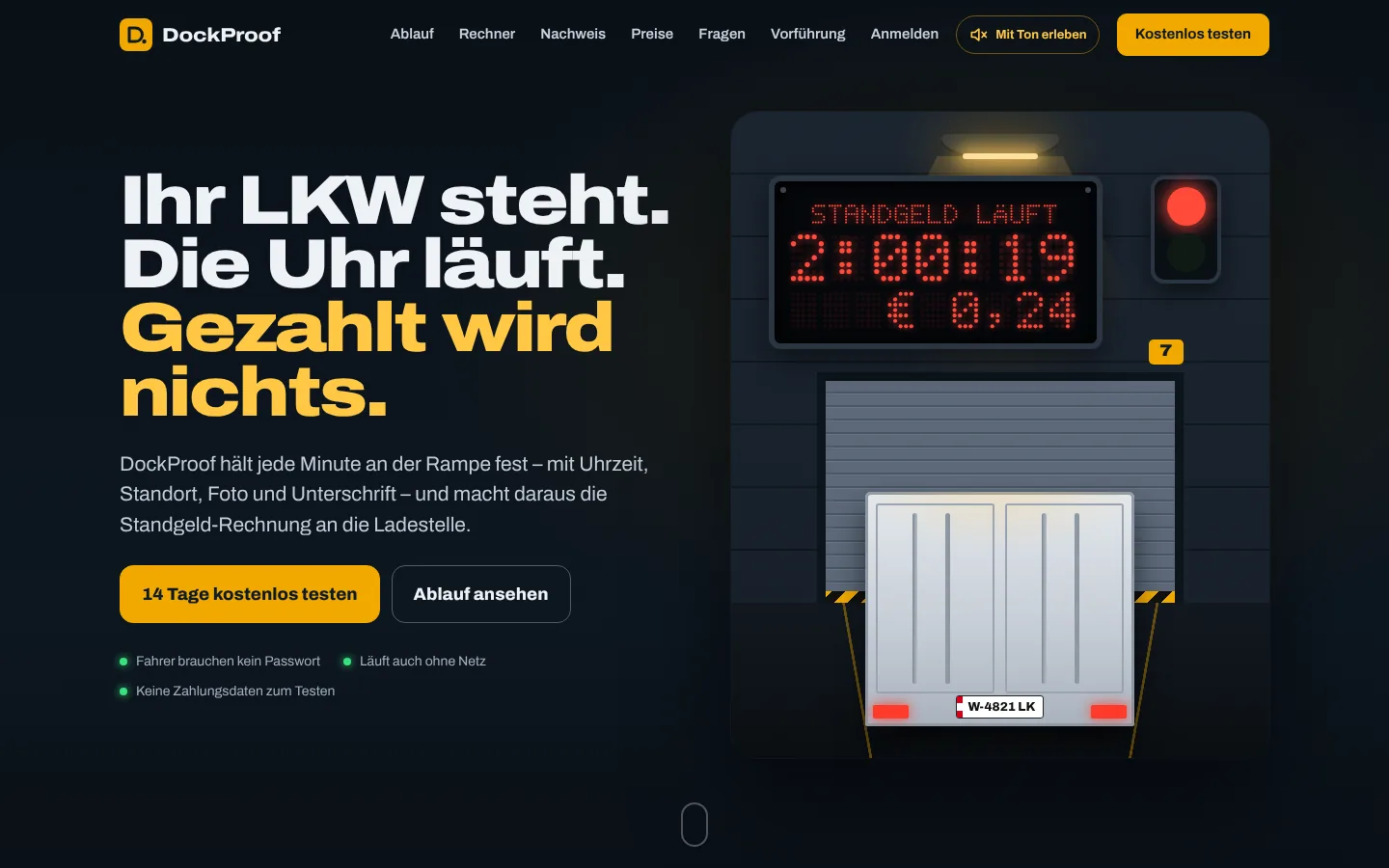
DockProof records how long trucks wait at the loading dock – with time, location, photos and a signature on site – and turns it into waiting-time records and demurrage invoices for the loading point. Built for small hauliers and carriers in Austria and Germany.